
Mastering Claude Code for Data Professionals
Make the most of the #1 most loved ♥️ coding tool

I recently gave a talk on Mastering Claude Code for Data Professionals at the Optimized AI Conference in Atlanta (March 30-31, 2026), and I wanted to turn it into a newsletter for those of you who couldn’t make it (and those who want a written reference). Shout out to the Optimized AI team for putting together a great event. Let’s get into it.
First, a quick refresher on what Claude Code is
Claude Code is an agentic coding tool. It can read your code, write new code, and run it for you. You can use it to automate data pipeline scripts, debug code, generate visualizations, and clean messy datasets, all a lot faster than writing the code yourself.
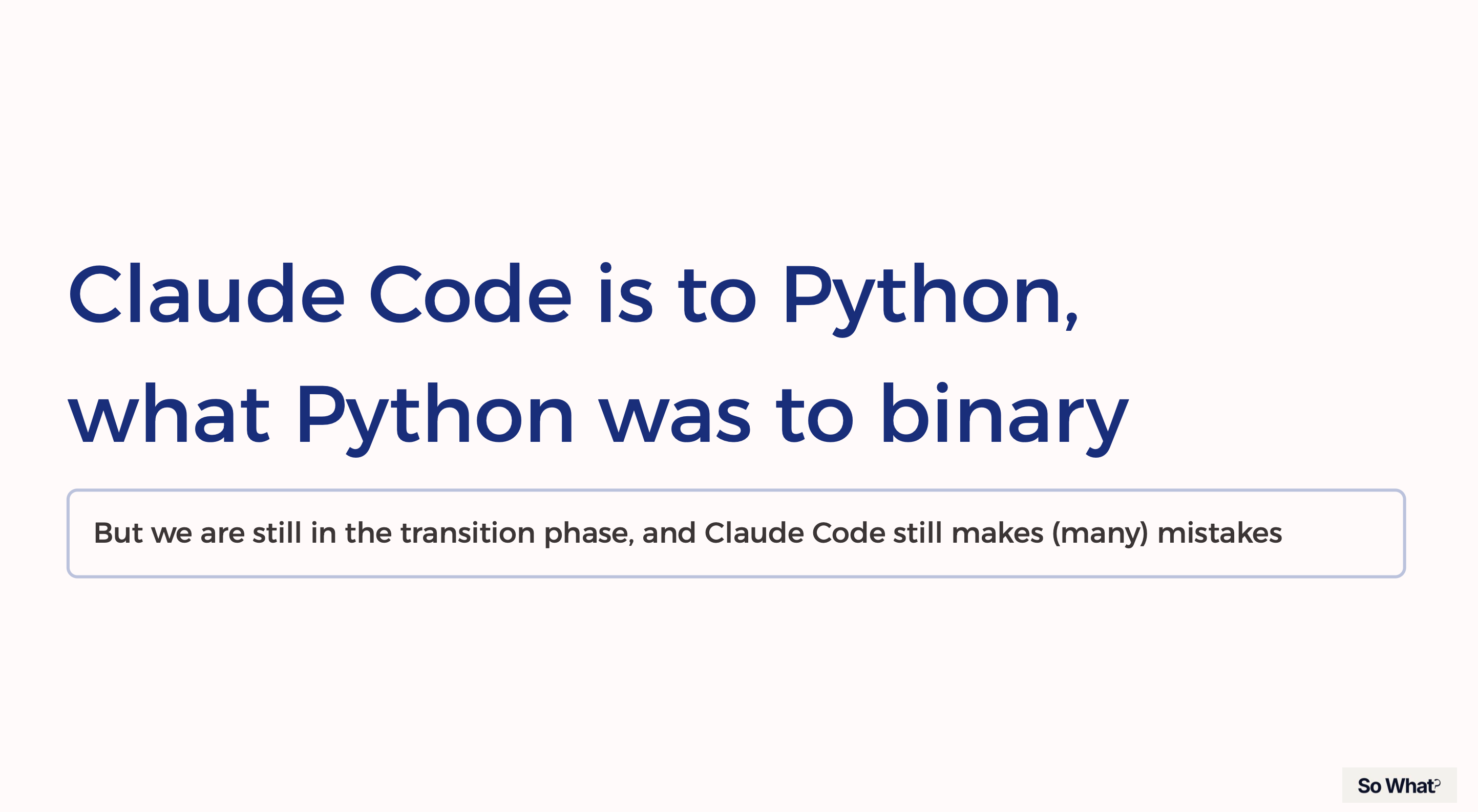
The analogy I love most: in the early days of computing, if you wanted a computer to do something, you had to speak its language -- binary (0 and 1s). Then we got languages like Python that abstracted us away from binary and into something that feels almost like English.
Claude Code is the next step in that same evolution. You don’t even write Python anymore. You just describe what you want, in plain English, and Claude Code builds it.
Now that we know what Claude Code is. I’m going to walk you through my 3 “power” features so you can make the most out of Claude Code.
The most important Claude Code file: CLAUDE.md
This is arguably the most important file in your entire Claude Code setup. The CLAUDE.md file is a markdown file that gives Claude persistent instructions. Claude Code reads it at the start of every session.
You can include information on your project, your personal preferences, or your entire organization. Think of it like onboarding your most resilient teammate. The more context you give it, the better it performs.
Here’s how Data professionals are using it right now:
Sharing context across a team. You can set up Claude Code with your team’s specific rules and standards. Things like how your ETL pipelines should be structured, how PII needs to be handled, what your naming conventions are.
Defining personal writing style. Some folks use it to make sure Claude writes documentation or reports the way they would.
Storing company context. Details about your team, your company, even your goals. The goals use case is particularly interesting to me, because this way Claude can give you better tactical and strategic recommendations.
But here’s the catch. Even though this is the most important file you’ll create, keep it to 200 lines max. AI has a cognitive ceiling for instruction-following. There’s a limit to how much context it can process and retain.
For anything beyond those 200 lines, use a .claude/rules/ folder to organize additional context. This keeps your instructions modular, and Claude Code only pulls in what it needs, when it needs it.
Custom Skills: teaching Claude to do specific jobs
Skills extend what Claude can do out of the box. They might sound fancy, but they’re really just text files. More specifically, they’re a set of instructions that explain a task Claude has to do over and over again.
You might be thinking, this sounds like another CLAUDE.md file. Yes and no.
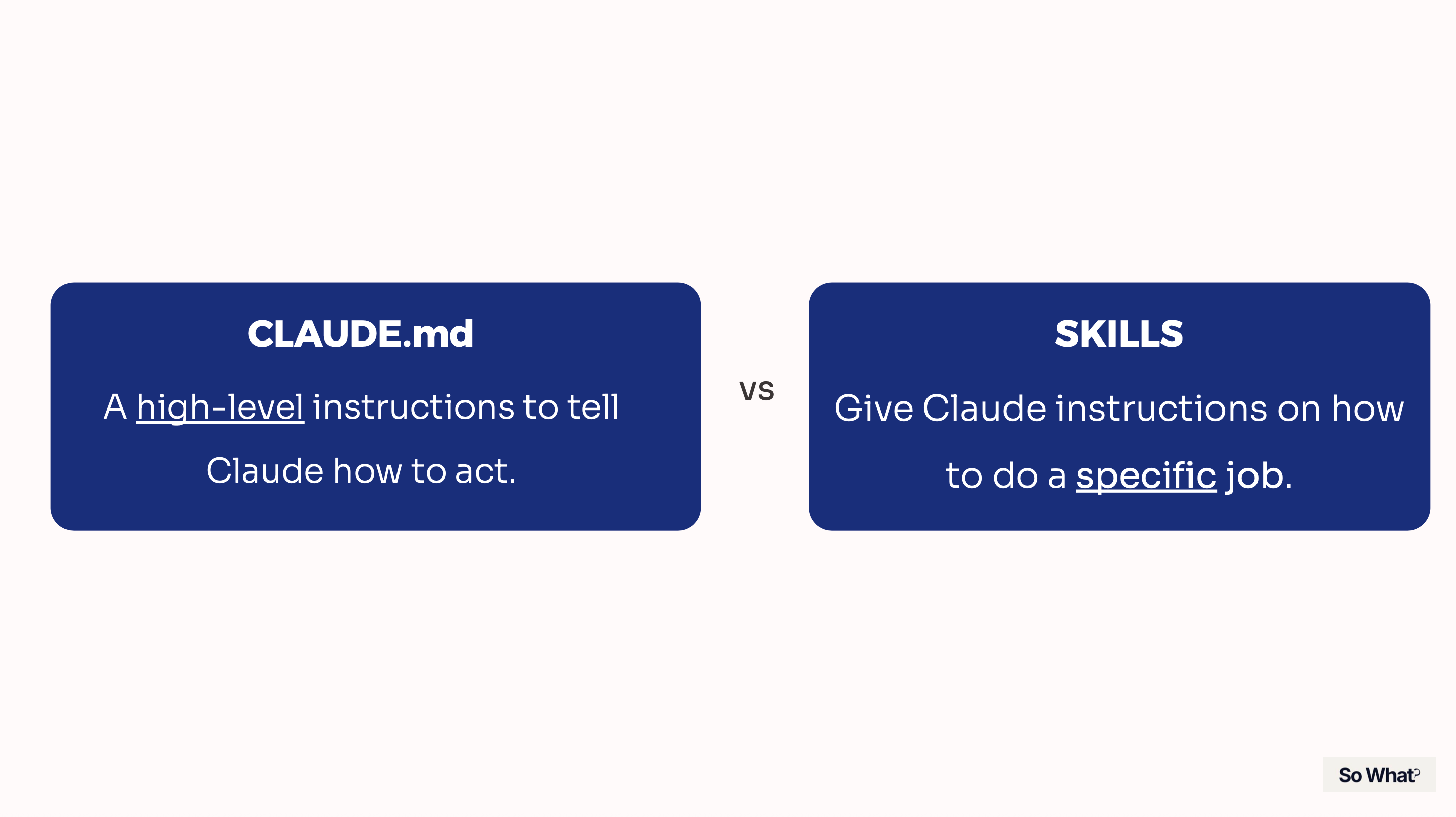
CLAUDE.md is high-level instructions to tell Claude how to act. Skills give Claude instructions on how to do a specific job or task.
There can only be one CLAUDE.md file per project, but you can have as many skills as you want.
So how are Data professionals using Skills? Here are real examples I’ve seen:
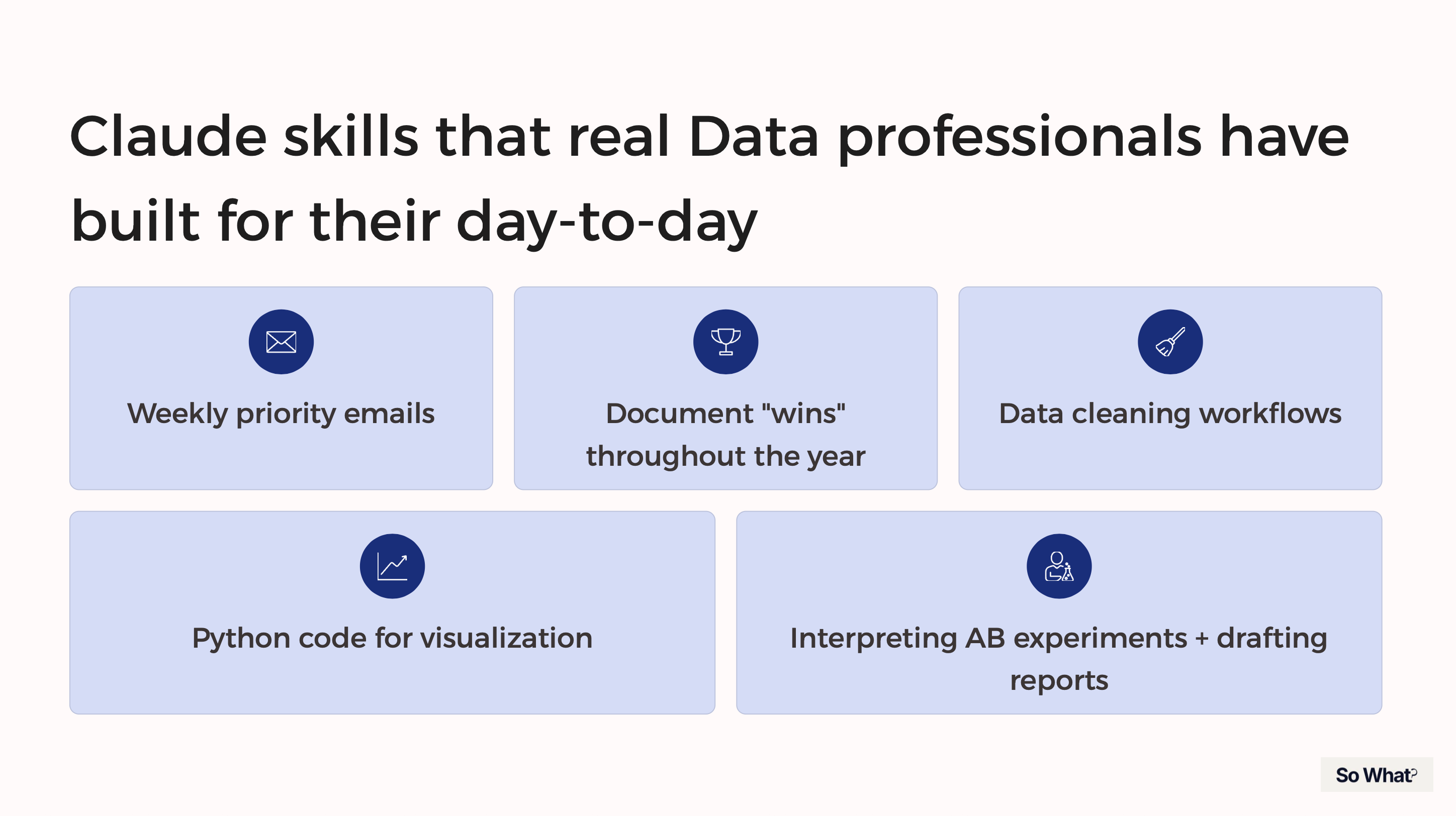
Weekly priority emails to managers and stakeholders
Documenting wins throughout the year, which can then be used for performance reviews
Python code for data visualizations
Interpreting A/B experiment results and drafting suggestions for next steps
Data cleaning workflows
A friend of mine recently transitioned into a new Data Science role. As she was onboarding, she started making a list of tasks she knew she’d have to do over and over again. Then she started building Skills for each one.
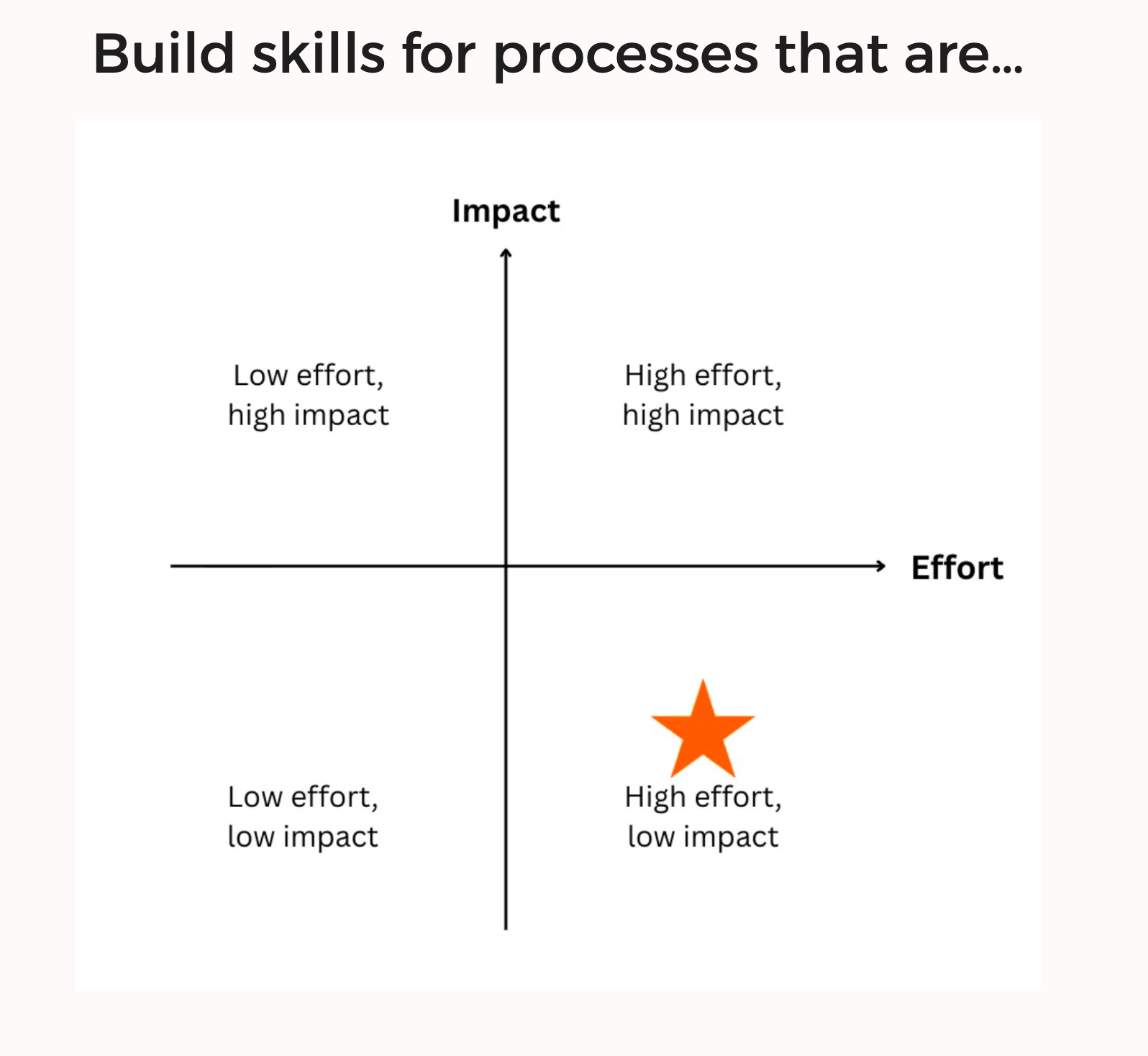
But you don’t have to wait till you start a new role. Instead, maybe start next Monday and take a look at what tasks you do over and over again, and start building skills for those tasks.
The key is to focus on tasks that are high effort but low impact on their own. These are the tasks that eat up your time but don’t require deep creative thinking and won’t be mentioned on your performance review. This is a great place to start building skills.s
Hot tip: When making Skills, use Claude’s built-in /skill-creator command to build them. You can literally have Claude help you create its own instructions.
MCPs: connecting Claude Code to your favorite tools
Model Context Protocols (MCPs) allow you to connect Claude Code to other apps and platforms. For example, if you wanted to connect to Slack, you would use a Slack MCP to give Claude Code access to Slack, so it can read your messages or even send messages on your behalf.
If that sounds like an API call, you’re not wrong. MCPs are like a bundled set of API calls, specifically designed for LLMs. You connect once to a host server (like Slack or Atlassian), and the AI agent can figure out how to use the different endpoints.
MCPs are one of the biggest unlocks for the Data professionals I’ve talked to. Here are some real examples:
DBT MCP: Data Engineers are connecting to the DBT MCP, which gives the AI access to the data model, relationships, and semantic layer. Now the AI doesn’t have to guess what data it has access to or what it means. It can write much better queries and analyses.
Atlassian MCP: One B2B company connects to Confluence to access client documents and policies, so they can customize their strategy for each client.
Notion MCP: Some teams connect to Notion so the AI can search for past analyses on a topic across the org. No more redoing analyses from scratch.
If you don’t know where to start, just look at the tools that are already integrated into your workflow. The best MCPs are the ones that plug directly into the tools your team already uses every day.
Safety and guardrails
Everything I’ve talked about so far makes Claude super powerful. But that power can be dangerous without the right guardrails in place.
Sensitive data. Respect the data policies of your company and your industry.
Use an organization-level CLAUDE.md to set circuit breaker instructions. These are the non-negotiable rules that everyone on the team follows.
Scope your MCP connections. Only give Claude access to the data it actually needs. Limit access strictly to what’s necessary.
Control access upstream. Implement robust access management at the source, before Claude even gets involved.
Be intentional about which MCPs you connect to. The MCP ecosystem is still maturing, and there isn’t always a robust vetting process for new plugins. Only connect to tools and platforms that you trust.
Watch out for prompt injection. These are hidden instructions designed to hijack what Claude does next. They can be buried in files, web pages, or external data that Claude processes. Be cautious about what repos, files, and dependencies you point Claude Code at... And never use “bypass permissions.”
When in doubt, loop in your governance or security team. They should be the ones determining what Claude can get access to at the org level.
Wrapping up
The key takeaway: build your own customized Claude environment that is the best assistant for you as a data professional
The people who will get the most out of Claude Code are the ones who invest the time upfront to teach it how they work, and then continue to iterate on it to make it better.
ICYMI (in case you missed it!)
Getting started with Skills on Claude Code.
My favorite AI tools for Data Analytics.
I built a March Madness ML model.
Also, my FIRST EVER LinkedIn Learning course is LIVE! Want to learn how to build automations in n8n (complete with an optional AI node)? Check out the course here.